How to record a song with several tracks on your iPhone
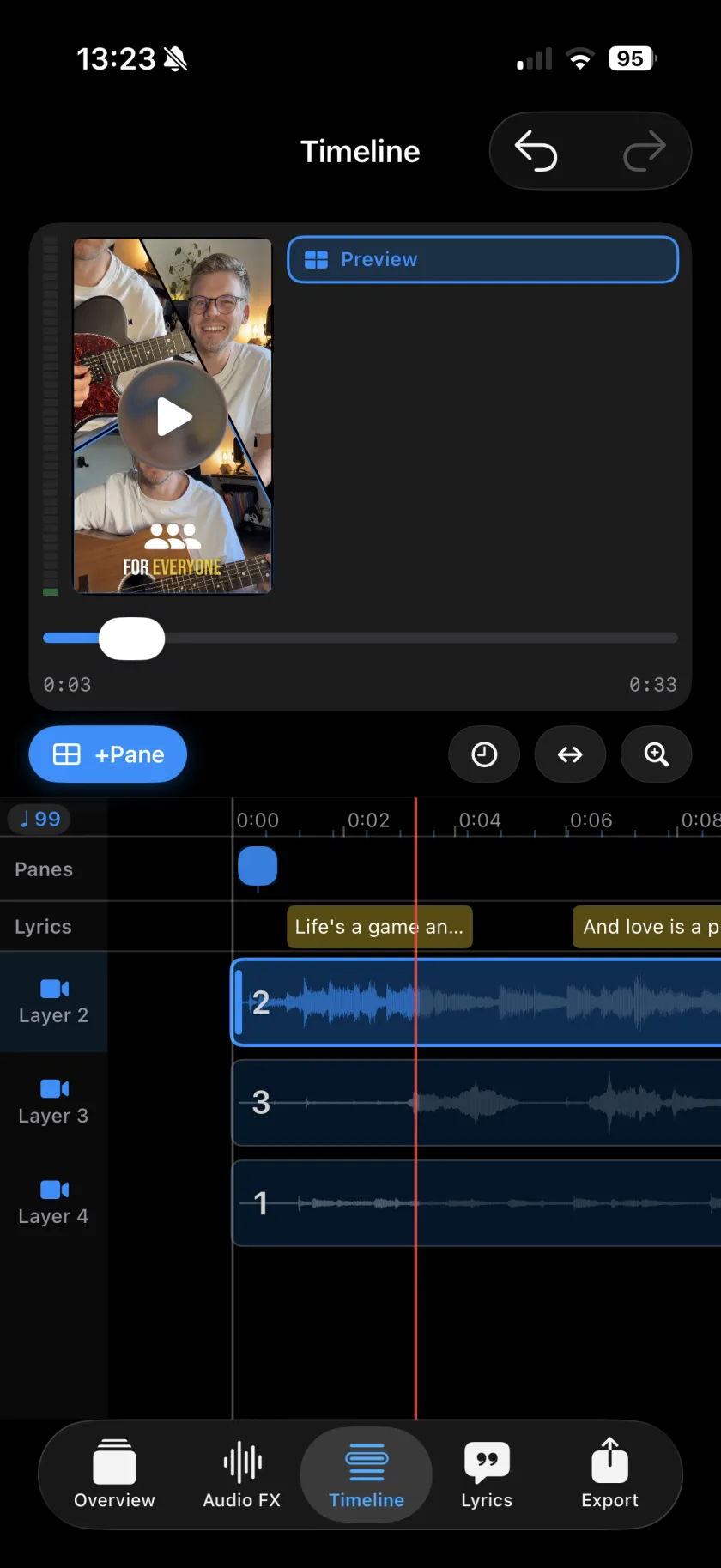
To record a song with several tracks on an iPhone, you need an app that plays the earlier tracks back while it records the next one. In Musaic every take becomes its own layer: record guitar and vocal first, then harmonies, bass or percussion on top, up to 10 layers, each with its own volume and effects. The metronome gives you a click and a count-in, and a sync offset per layer lines the takes up to the millisecond.
You need: Headphones, wired ones if you have them. Every project mode works; choose Audio if you only want the sound.
-
Set the tempo
Before the first take, open the metronome in the recorder. Turn on Metronome, set the Tempo or use Tap tempo, pick the Time signature (4/4, 3/4 or 6/8) and a Count-in of up to 4 bars.
-
Record the first track
Tap Record and choose Record video + audio, or Record audio in an Audio project. Play the part that carries the song, usually an instrument with the lead vocal.
-
Record the next track on top
Tap Record again. The first track plays in your headphones while the new one is recorded onto its own layer. Record audio only (sing along) records sound without a new picture.
-
Repeat, up to 10 layers
Harmonies, bass, a shaker: each goes on its own layer. Tap a layer's icon to mute it while you record the next one.
-
Line up and mix
If a layer sits late, open its Sync Offset and move it. Then give each layer its volume and effects in the Audio FX tab.
-
Metronome
A click or a drum beat, Tap tempo, 4/4, 3/4 or 6/8, and a Visual pulse. The click is not part of the recording; with headphones it also stays out of the microphone.
-
Count-in
Up to 4 bars before the take starts.
-
Keep as layer
Keep the drum beat as its own layer called Metronome, to mute, trim or delete later.
-
Sync Offset
Move a layer by up to half a second in 1 ms steps. Settings remembers a value for each pair of headphones and microphone.
-
Import
Bring in audio from Files, or video from Files or the photo library.
-
Instruments
Play bass, drums, keys and more on screen or on a MIDI keyboard, straight onto a new layer.
-
Why does my second take sound doubled?
Without headphones, the iPhone speaker plays the first take into the microphone and it is recorded again. Wired headphones keep the takes apart.
-
Can I use AirPods?
For listening, yes. Musaic keeps recording with the iPhone microphone, because a Bluetooth microphone only records at phone-call quality. The headphones guide has the details.
-
How many tracks?
Up to 10 layers in every mode.
Musaic - Recording Studio is free on the App Store for iPhone and iPad. Musaic Pro adds lyrics, animations, chord detection and Fix audio, and removes the watermark.
- How to sing harmonies with yourself on iPhoneGuide
- Headphones, AirPods and the speaker: recording without bleedGuide
- How to sing one part of a take againGuide
Written for Musaic 1.4.0.