Send feedback or playback diagnostics
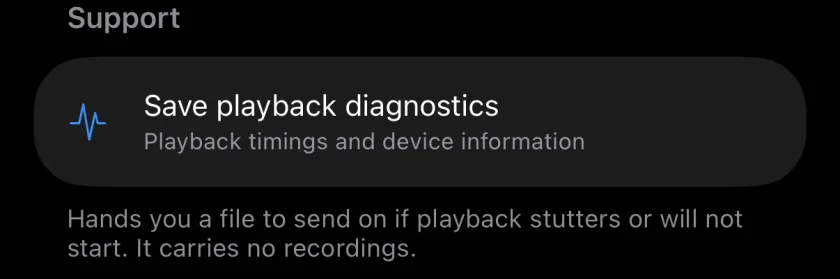
The envelope in the project list opens Feedback, which starts an email to musaic@likwest.com with the app version already filled in. If playback stutters or does not start, Save playback diagnostics in the More tab creates a small file with playback timings and device information, without any recordings, which you can attach. Nothing is uploaded unless you send it yourself.
You need: Nothing extra.
-
Write to me
Tap the envelope (Send feedback) in the project list, then Send feedback. Mail opens with my address and your app version.
-
Save diagnostics
In a project, open the More tab and, under Support, tap Save playback diagnostics. Choose where the file goes: Mail, AirDrop, Files.
-
Report a bug in public
Bugs and ideas can also go to the public tracker on GitHub, where you can see what is already known: report a bug.
-
What is in the diagnostics file?
The app build, the iOS version, the device model and playback timings. No recordings.
-
Is anything sent automatically?
No. The file only goes where you send it.
Musaic - Recording Studio is free on the App Store for iPhone and iPad. Musaic Pro adds lyrics, animations, chord detection and Fix audio, and removes the watermark.
- Headphones, AirPods and the speaker: recording without bleedGuide
- How to share a Musaic project with someoneGuide
Written for Musaic 1.4.0.